In this chapter, we will polish text that overflows: wrapping long axis labels and legend entries with stringr and scales.
NoteWhy this matters
Long category names overlap and wreck otherwise clean charts. Wrapped labels keep every category readable without shrinking fonts to microscopic sizes.
WarningCommon pitfall
Angling text 90 degrees feels like a fix but forces readers to tilt their heads. Wrap first; rotate only when wrapping cannot save the layout.
20.1 The Overflow Problem
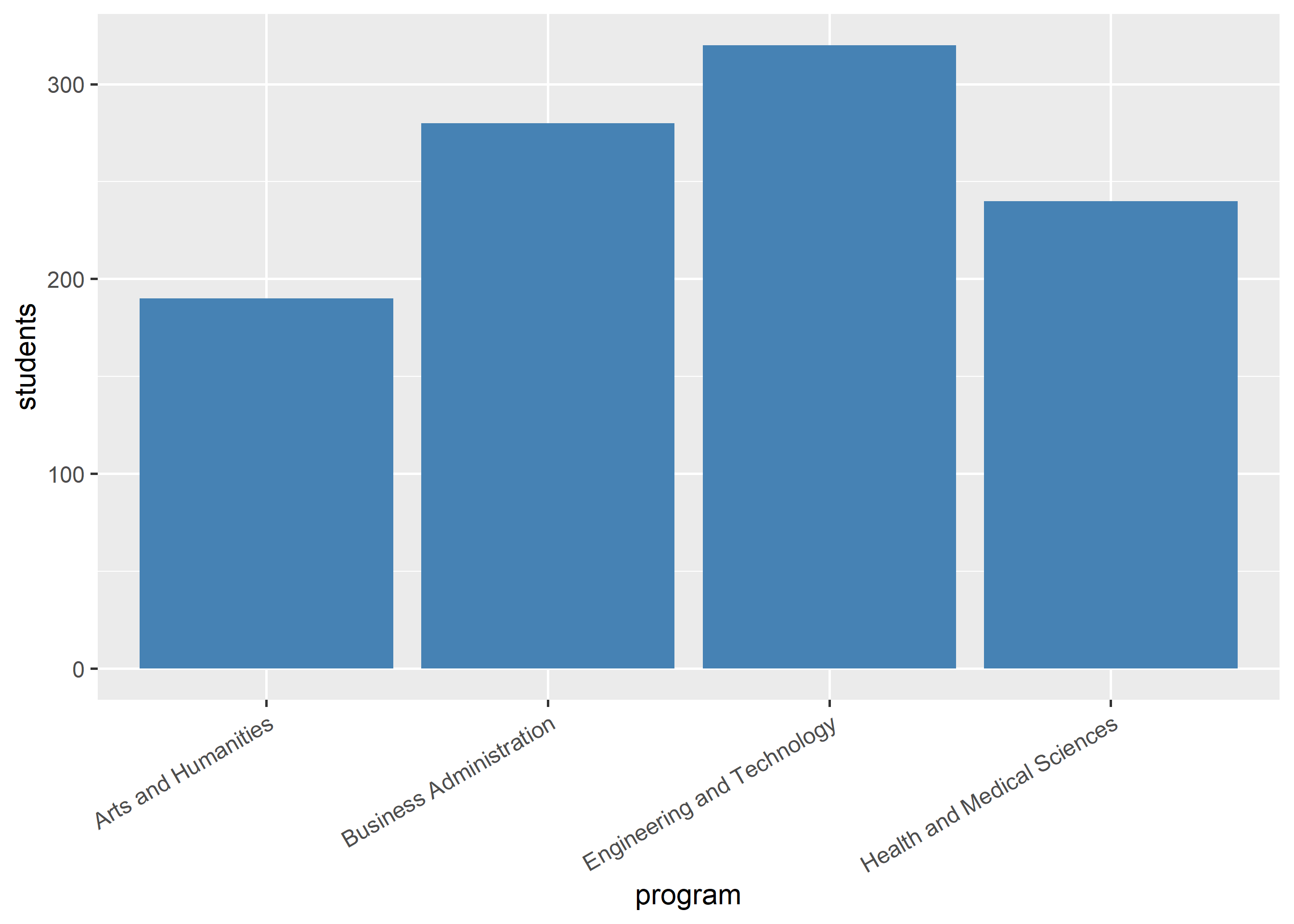
Long labels collide on crowded axes:
df <-data.frame(program =c("Engineering and Technology", "Business Administration","Health and Medical Sciences", "Arts and Humanities"),students =c(320, 280, 240, 190))ggplot(df) +geom_bar(aes(program, students), stat ="identity", fill ="steelblue") +theme(axis.text.x =element_text(angle =30, hjust =1))
20.2 Wrapping with stringr
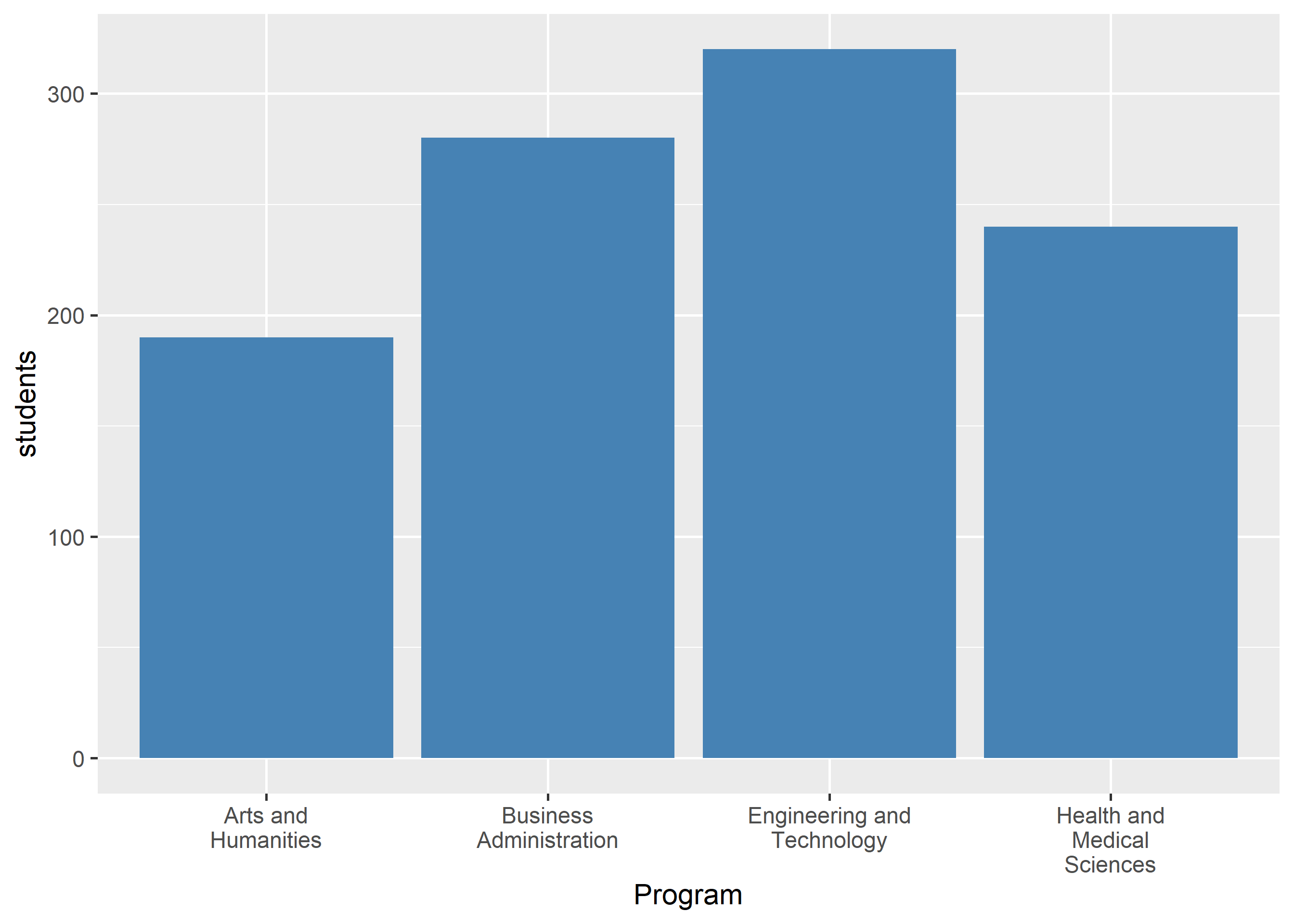
str_wrap() inserts line breaks at a fixed width:
ggplot(df) +geom_bar(aes(stringr::str_wrap(program, width =15), students),stat ="identity", fill ="steelblue") +labs(x ="Program")
20.3 Wrapping Inside Scales
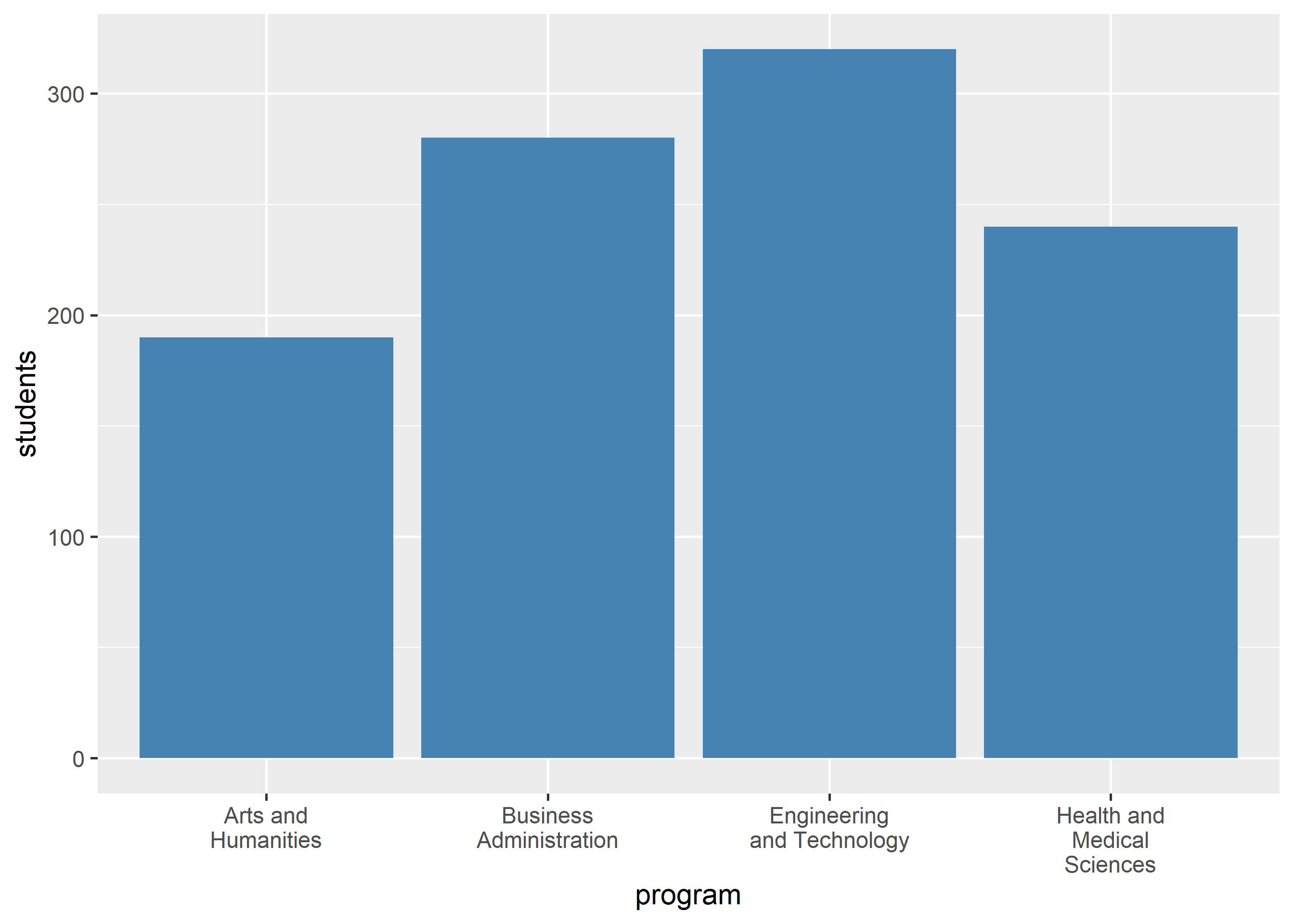
label_wrap() wraps at the scale level, keeping the underlying data untouched:
ggplot(df) +geom_bar(aes(program, students), stat ="identity", fill ="steelblue") +scale_x_discrete(labels = scales::label_wrap(15))
20.4 Wrapping Long Titles
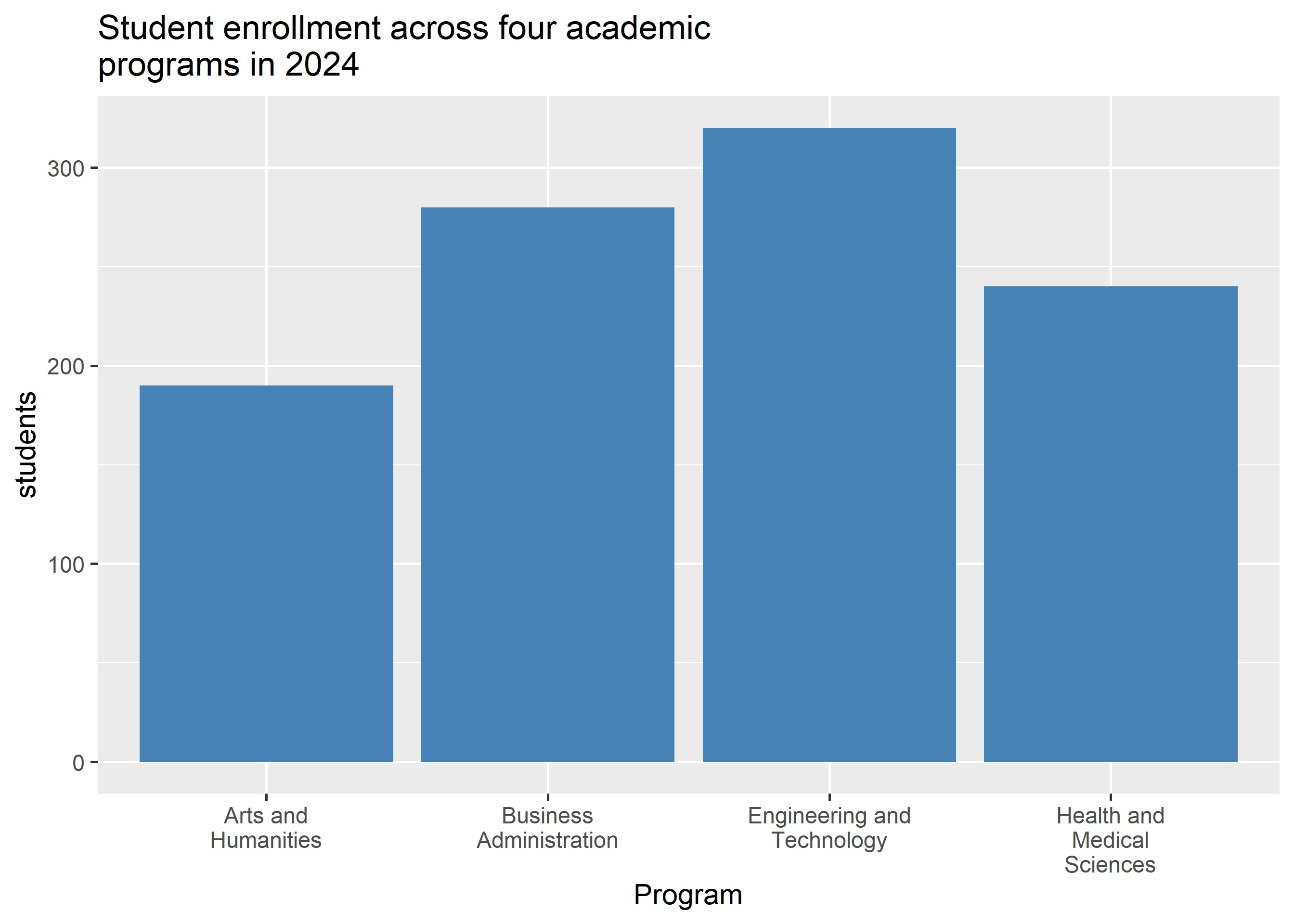
The same helper tidies wrapped plot titles and subtitles:
ggplot(df) +geom_bar(aes(stringr::str_wrap(program, width =15), students),stat ="identity", fill ="steelblue") +labs(x ="Program",title = stringr::str_wrap("Student enrollment across four academic programs in 2024", width =40))
Where to go next
stringr reference for wider text manipulation
Themes chapter for font sizes that pair with wrapped labels